In an effort to move away from inefficient paper-based files and processes, many hospitals and physicians offices have moved toward the digital world with electronic health records (EHR). And if they haven’t set up an EHR-based system yet, they probably will soon.
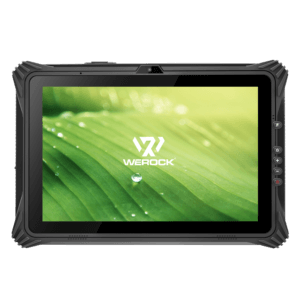
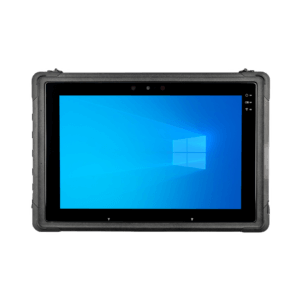
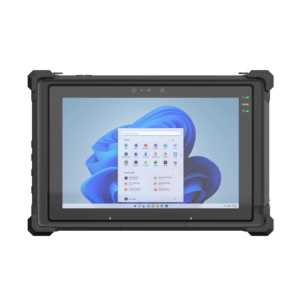
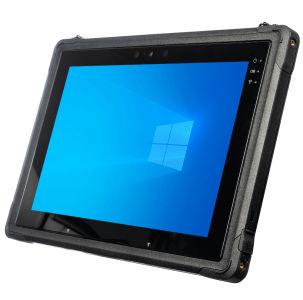
Defined simply, electronic health records enable physicians, nurses and other hospital staff to securely manage and access patient data in a digital environment. In practice, hospital personnel would be able to view known allergies, blood work and x-ray results, ongoing medical conditions, general medical history, and more—all on a computer. But even a lightweight notebook is a pain to lug around to visit patients—which is why many are looking toward using tablets, like the Lenovo ThinkPad Tablet, instead to allow practitioners to view and update EHRs.
In fact, a 2011 study by QuantiaMD reports that tablets are progressively popular among doctors. Some 30 percent of physicians already use tablet devices, and 19 percent of all physicians work on them in a clinical setting, according to the study. And it’s not just recent graduates or interns, either; 19 percent of physicians who’ve practiced for 31 years or more leverage tablets in the workplace, compared to 20 percent of those who’ve only been in practice less than 10 years.
The trouble is, the QuantiaMD study indicates that most physicians crave EHR access on their tablets, but many current EHR platforms don’t translate well to the tablet environment, says Jonathan Mack, director of client research and development at the Wireless Health Institute.
CIO.com reported that Seattle Children’s Hospital ran a small tablet trial, giving hospital personnel virtual access to data on their tablet, but users reported that the iPad screen real estate wasn’t sufficient. The users’ found it so awkward to locate and interact with the data that the pilot was declared a failure. At the same time, tablets are great for accessing online references and sharing and viewing images.
As tablets grow in popularity, EHR apps are evolving. EHR platforms are typically used via mobile devices in three primary ways, all of which are being further optimized for tablet execution now.
Native Apps
Engineered specifically for the tablet ecosystem, native apps are local applications that reside on the devices themselves, usually requiring log-in credentials to run. As they’re built for tablets, not just accessed through them, native apps are less disposed to being mired in technical difficulties, and they circumvent browser interaction entirely for added security. Unfortunately, the risk is that if a tablet with an EHR app was ever lost or stolen, and the log-in credentials compromised, anyone could view and alter patient data.
A few leading native apps include Aprima Mobile by Aprima and Canto by Epic Systems.
Remote Access
The majority of client/server, on-premise EHRs can be accessed from a remote system—like tablets—through utilities such as Citrix XenDesktop. The advantage is that the data doesn’t reside on any device, which provides for greater security. Multiple users can collaborate on data input and output.
A few other remote-access providers are AllScripts Remote, iClickDoc from eClinicalWorks and Vitera Intergy (formerly Sage)
Web/Cloud
Cloud-based solutions can be accessed through any Web browser and any device—from stationary workstations in the hospital offices, to your tablet fleet in the ER room. Physicians, nurses and other hospital personnel can even access—and interact with—EHRs while in their homes, traveling, on vacation or at a medical seminar. The anywhere, anytime availability of a patient’s EHR is transforming the way emergency responders administer care. However, if a user’s log-in credentials are compromised, those EHRs can be accessed by anyone with the username and password.
Athena Health and Practice Fusion are a few vendors who work on this model.
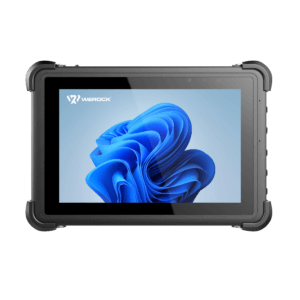
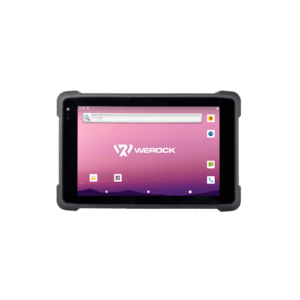
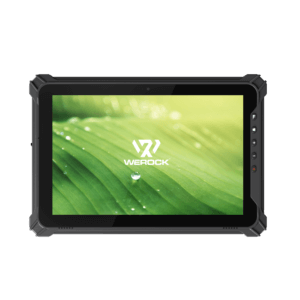
Beyond choosing the right EHR application, it’s also important to look at choosing the right tablet hardware. As a general rule, durability, reliability and security are the top concerns for medical institutions, as having equipment fail can have dire consequences in an ER room. Look for tablets that offer extra security features and shatterproof screens in case they get dropped. Compromised EHRs will almost certainly lead to litigation and punitive fines—or worse, depending on the scope of the breach. Investing in a tablet fleet is a progressive—and frankly profitable—strategy, so consider this mobility initiative fully and carefully.
Are you a healthcare IT leader, a physician or hospital worker? Have you worked with EHRs on tablets at your medical center? Our community would love to know what you’ve experienced—the good and the bad—so just leave a comment below.
If you'd like some help understanding how your organization can take advantage of business-focused mobility technology from a broad industry perspective, read our quick eBrief. Find out how the problems associated with mobility — access, connection quality, and security — have essentially been solved through new application development, embedded broadband, and cloud computing.