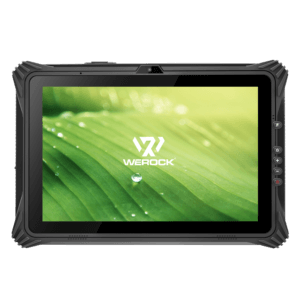
It seems like whenever the subject is the business use of tablets, the sentence immediately following is focused on the issue of security. It appears to have gotten to the point where there is more emotion that surrounds the issue than there is factual consideration. This is actually quite understandable as tablets are far too frequently lost, stolen, or misplaced, and with up to 128 GB of storage on these devices, we could be talking about a lot of data. That of course doesn’t consider the issue of who might now have access to your systems on a lost device.
So if we remove some of the emotionality, and step back, what are the basic and fundamental steps that we should implement so that tablet use in the office becomes far less scary? Well I have a few. This is by no means an exhaustive list, but some of the basics I think every device should have. Read more

There are so many similarities between the early days of the PC (1978-1982) and this era in the nascent market for tablets. In both cases, the vast majority of purchases in these early days were made by consumers, even if the device was being brought into work. After all, there were no budgets for these new devices, and IT didn’t have any way to manage or deal with them. However, once they started showing up in larger numbers, this approach was no longer valid, and organizations moved to buy and manage them.
One of the best things about owning a tablet is the huge number of cool apps you can download to it. There are a lot of broad use apps for the daily tasks we all must accomplish, and even better are the focused apps that help us do little things in our life that we like to do. It might be an app for HVAC technicians, or a way to sort the key news feeds that a financial services professional needs to review on a daily basis.
Over the many years that PCs have been a key part of the IT infrastructure, most organizations have written their own application software to run on Windows and PCs. This is very common in the larger enterprises, and a surprising number of SMBs have custom versions of existing application platforms like Office or SQL Server that they run on Windows. As would be expected, many of the end users now want to run these applications on tablets.